
Kickbacks - Get Paid while Claude Waits
You already stare at the Claude Code spinner a hundred times a day. That little "Discombobulating…" word that spins while Claude thinks. What if that exact moment paid you?
That's the whole pitch behind Kickbacks.ai. It turns the dead air in your AI coding sessions into a tiny, passive income stream. I dug into it because the idea was clever and the claim sounded too cute to be real. It's real, it's safe, and here's exactly how it works.
What it is
Kickbacks.ai is a free VS Code extension that drops a small, clickable ad into the Claude Code and Codex CLI spinner. While Claude is thinking, instead of a random word like "Clauding…" you see a one-line ad. Advertisers pay to be there, and Kickbacks splits that revenue with you 50/50.
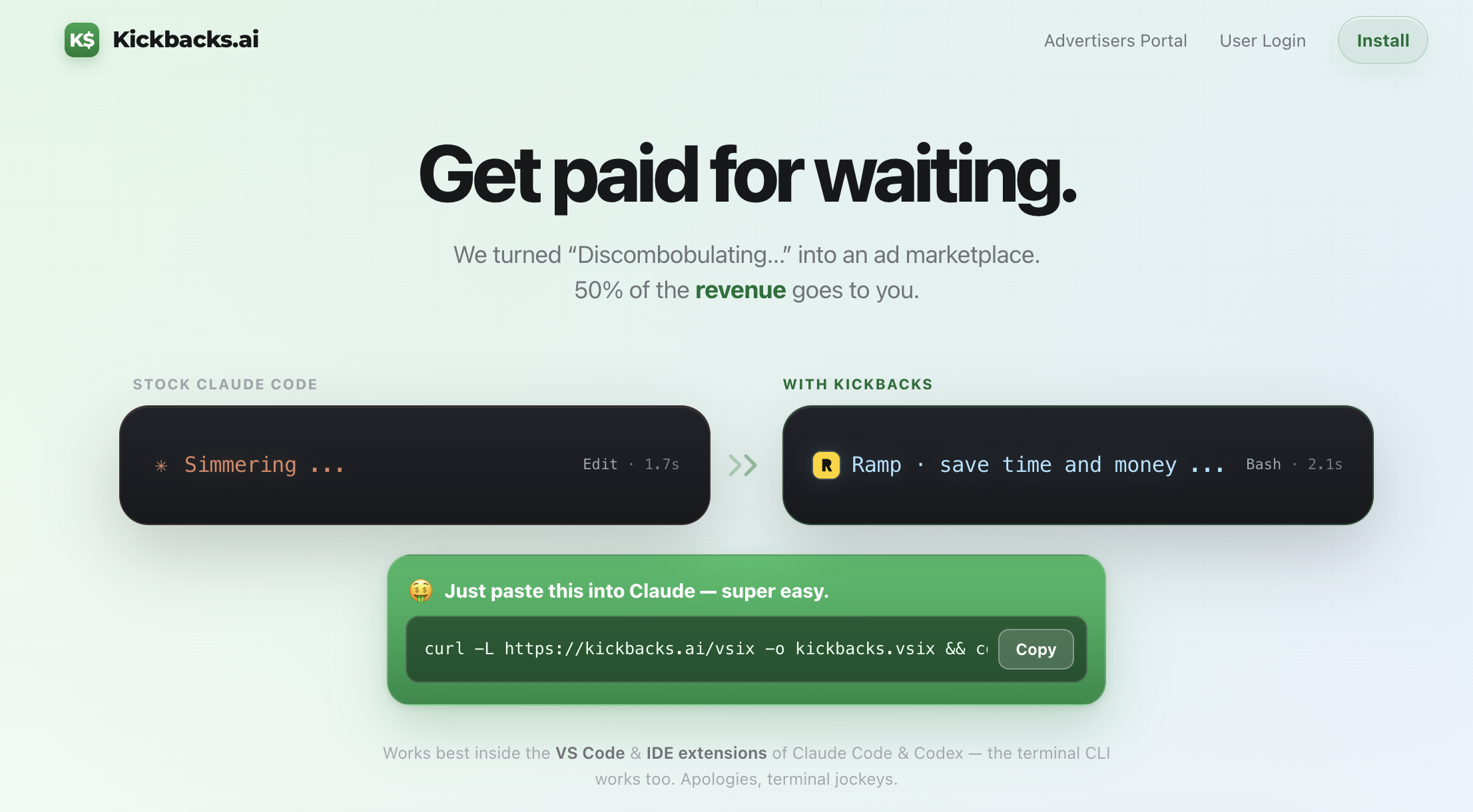
That's it. You install it once, sign in, and keep coding exactly like you already do. The earning happens in the background.
Key insight: You're not adding a new task to your day. You're getting paid for time you were already spending.
How it works
When you install the extension, it makes a small, reversible edit to your Claude Code setup so the spinner can show ad text instead of the default words. Every time an ad shows (an "impression") and every time you click one, that gets counted toward your earnings.
That little status line while Claude thinks? Empty real estate. Kickbacks puts a one-line ad there instead.
The money side is simple. Advertisers bid a minimum of $1 per 1,000 impressions, and you keep 50% of whatever your impressions earn.
The one caveat worth knowing
The ads only appear in the terminal CLI version of Claude Code and Codex. That's the version you run by typing claude in your terminal (including the built-in terminal inside VS Code or Cursor).
They do not show up in the Claude Desktop chat app or the Claude.ai website. Those are a different product and the extension doesn't touch them. So if you mostly live in the terminal, this is for you. If you only use the chat app, there's nothing here to earn from.
How to download and use it
Step 1: Run the install command
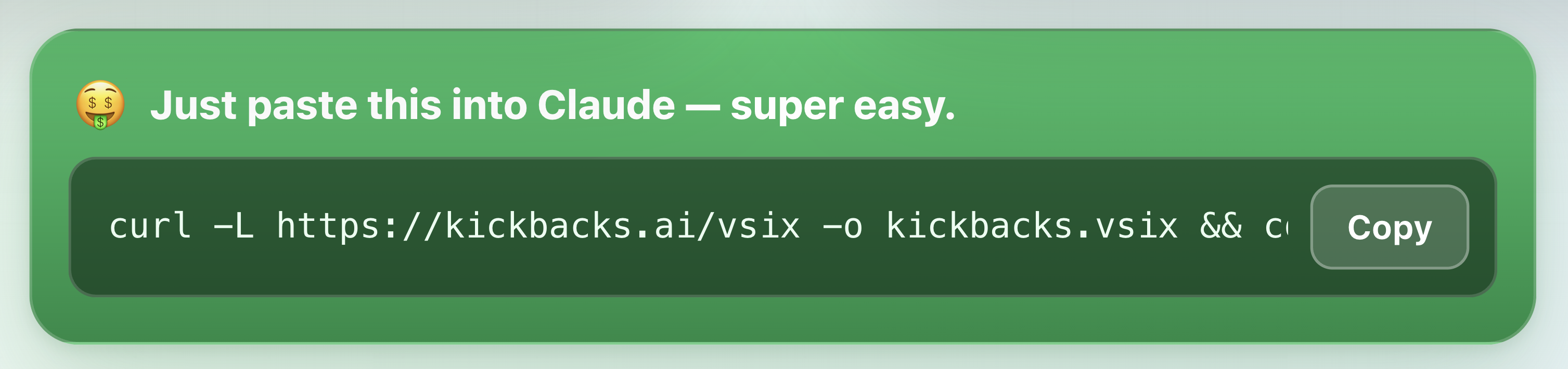
Open your terminal and paste this:
curl -L https://kickbacks.ai/vsix -o kickbacks.vsix && code --install-extension kickbacks.vsixThis downloads the extension and installs it into VS Code. (You need the code command available, which comes with VS Code.)
Step 2: Let Claude run a security check first
Here's a tip that gives real peace of mind. Before you run that command blind, paste it into Claude Code and ask it to check the extension for you first.
When I did this, Claude downloaded the file without installing it, unpacked it, and read through the code. It confirmed there were no credential grabs, no hidden code execution, and that the changes it makes are fully reversible. Letting Claude vet an install command before you trust it is a good habit for anything you find online, not just this.
Step 3: Sign in
Open the VS Code Command Palette (Cmd+Shift+P), type "Kickbacks: Sign in," and follow the Google sign-in. This is how it tracks your earnings and pays you.
Step 4: Keep coding
That's the whole setup. Go back to your normal Claude Code sessions. The ads show in the spinner, your impressions rack up quietly, and you can check your earnings any time with "Kickbacks: Show status."
How much you'll actually earn
Let's be honest about the numbers, because the appeal here is the framing, not the figure.
At a $1 floor per 1,000 impressions and a 50/50 split, you're earning roughly 50 cents per 1,000 ad views. Even as a heavy Claude Code user, this is coffee money, not a paycheck. Think single-digit dollars a month that slowly add up.

But that's also the point. You're not doing anything extra. You're not making content, filling surveys, or clicking tasks. You're getting a small kickback on time you were already burning while Claude thinks. For passive money on a thing you do daily anyway, "a free coffee a month" is a fine deal. Just don't quit your day job over it.
Safety notes (and how to reverse it)
I read through the actual code before recommending this, so here's the honest security picture:
- It does not read your secrets. No API keys, SSH keys, or credential files are touched.
- It doesn't run hidden code. No fetching and executing random scripts from the internet.
- It only sends ad data. Impression counts and clicks, not your prompts, your code, or your files.
- The changes are reversible with a one-time clean backup of your original setup.
One thing to know: this installs from a direct download, not the official VS Code Marketplace, so it skips Marketplace review and you'd update it the same manual way. That's not a dealbreaker, just a fact to hold.
How to fully remove it
There's a catch most people miss. Uninstalling the extension alone does not undo the change it made to your Claude Code setup. Do it in this order:
- Restore first. Command Palette → "Kickbacks: Restore Claude Code." This un-does the spinner edit and puts your original setup back, byte for byte.
- Then uninstall. In your terminal, run:
code --uninstall-extension Kickbacksai.kickbacks-ai- Sign out to clear your saved login. Command Palette → "Kickbacks: Sign out."
If a restore ever hiccups, Claude Code heals itself anyway. Its next auto-update ships a fresh, clean version, so you're never stuck.
Additional Reading
Here are some related guides to check out: