How to Stop Hitting Claude Usage Limits (part 2)
The most expensive thing you do in Claude isn't uploading files or running long sessions. It's sending a vague prompt, getting a wrong answer, and sending five more messages to fix it.
Every follow-up stacks on top of the full conversation history. Claude re-reads all of it on every turn. By message 30, a developer tracked his usage and found that 98.5% of tokens were spent re-reading conversation history. Only 1.5% went toward actual output.
This part covers how to write better prompts and how to structure sessions before they snowball.
How you write to Claude
1. Say "ask me questions" instead of writing a long prompt
A 500-word prompt costs 500 tokens every time Claude re-reads the conversation -- which is every message. A 15-word prompt that lets Claude ask clarifying questions means Claude generates the questions once and your answers stay short and specific.
My go-to prompt is under 30 words: "I want to [task] to [success criteria]. Read my folder. Ask me questions using AskUserQuestion before you start." Clicking options costs almost nothing. Typing paragraphs costs a lot.

2. Use voice-to-text for richer answers in fewer messages
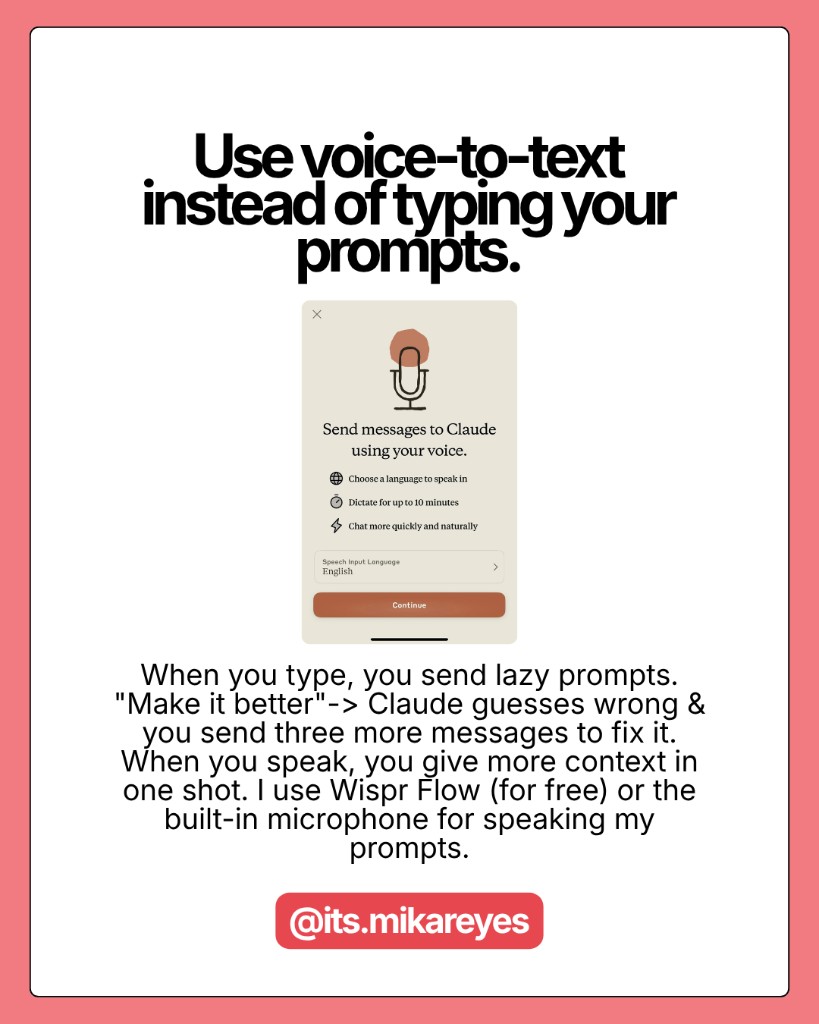
This sounds counterintuitive. Speak more and spend fewer tokens? When you type, you send lazy prompts. "Make it better." Claude guesses wrong. You send three more messages to correct it. Each one reloads the full conversation history.
When you speak, you naturally give more context in one shot. "The tone is too stiff. I want it to sound like I'm texting a friend who runs a 200-person company. Keep the data but make it casual. Only redo section 2." That's one message instead of five. I use Wispr Flow for this -- it's a voice-to-text tool that works in any text field on your screen.
3. Stop asking Claude to redo the whole thing
When section 3 of a report is wrong, don't say "redo the report." Say "only redo section 3. Keep everything else to save tokens." Every full redo means Claude regenerates the entire output. If your report is 2,000 tokens, that's 2,000 output tokens burned again on parts that were already right.
Add "No commentary. No explanations. Just the output." when you know exactly what you want. Claude defaults to being verbose. Every "Happy to help! Here's what I did..." is tokens you're paying for.

4. Batch your tasks into one message
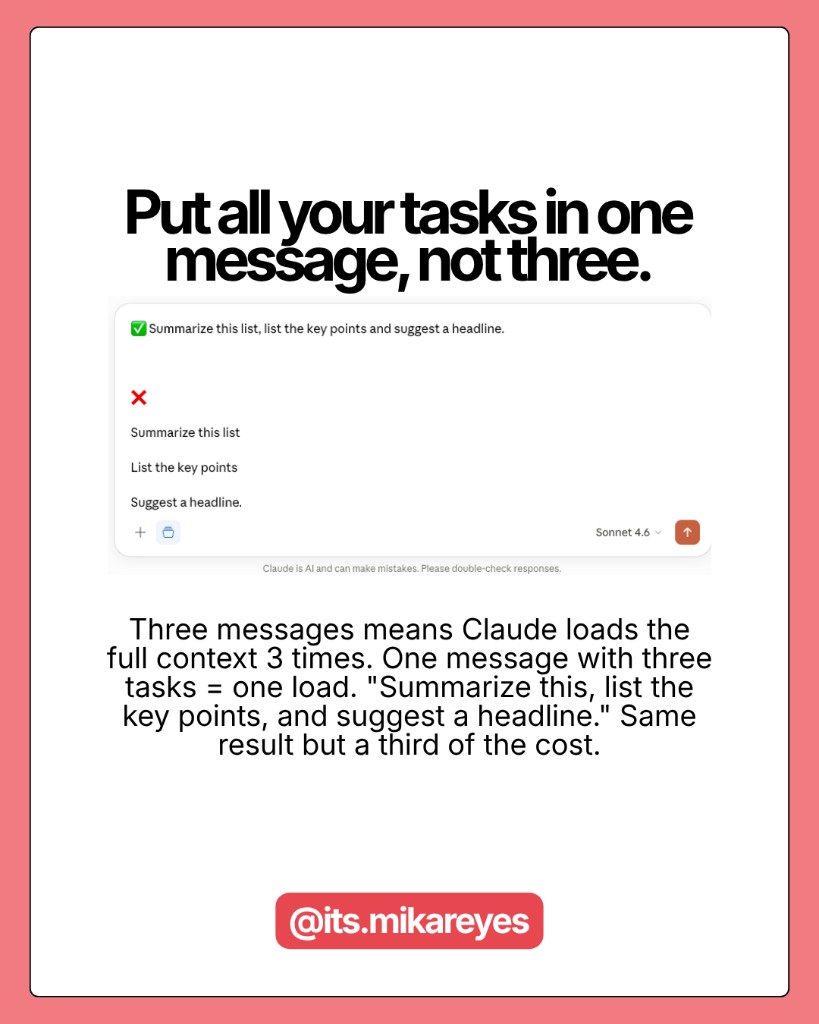
Three separate messages means Claude loads the full conversation context three times. One message with three tasks means one load. Instead of "Summarize this article," then "List the main points," then "Suggest a headline" -- write: "Summarize this article, list the main points, and suggest a headline." One message. Three answers. One context reload. The answers usually come out better too.
5. Use the same prompt structure every time
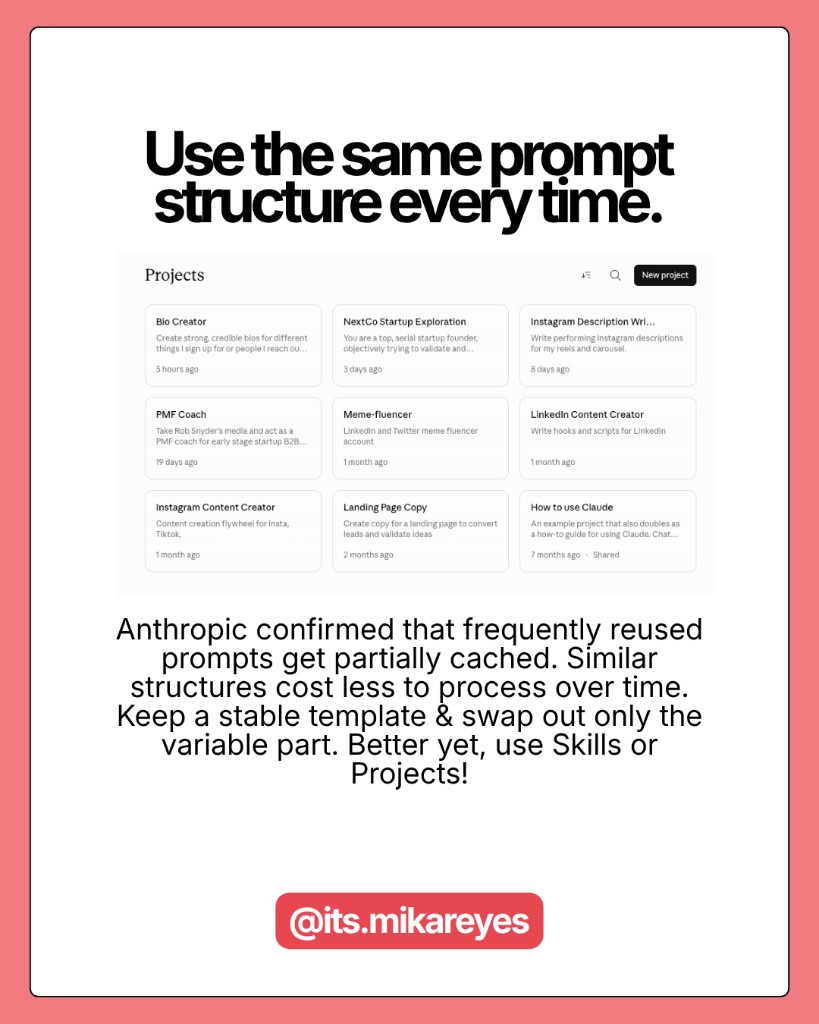
Anthropic has confirmed that prompts you use frequently get partially cached -- meaning similar structures you reuse cost less to process over time. Keep a stable prompt library and only swap out the variable part.
I use the same 30-word structure for 80% of my sessions: "I want to [task] to [success criteria]. Read my folder. Ask me questions using AskUserQuestion before you start." One template. Dozens of use cases.
6. Edit your message instead of sending a follow-up
In Chat, you can click Edit on your original message, rewrite it, and regenerate. The old exchange gets replaced, not stacked. Every "No, I meant..." or "Can you try again but..." adds to the conversation history that Claude re-reads on every turn. The edit button eliminates this entirely.
This is the highest-ROI habit on this list. I use it constantly.

Key insight: Every follow-up message you send doesn't just add one message to the conversation. It makes every future message more expensive, because Claude re-reads the whole thing every time.
How you structure your sessions
7. Start a new chat when the topic changes
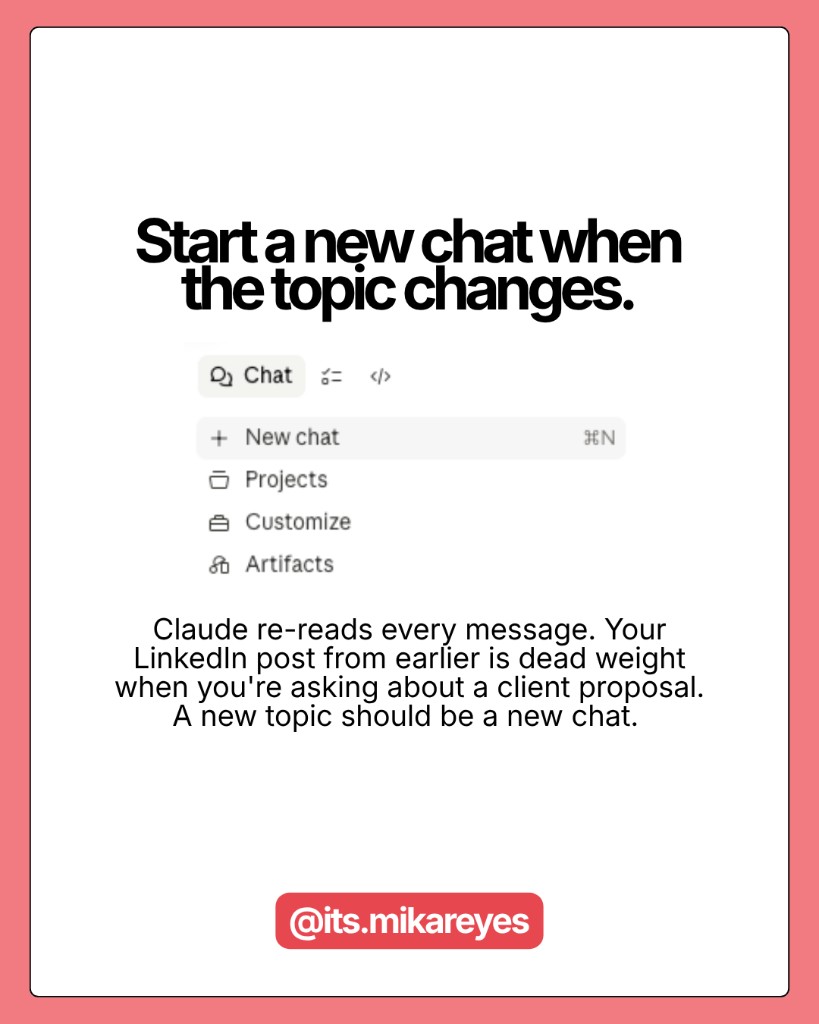
Every message forces Claude to re-read the entire conversation above it. If you asked Claude to help with a LinkedIn post, then a client proposal, then a quick recipe -- it's re-reading the LinkedIn post every time it thinks about your dinner. That history is dead weight. New topic = new chat. No exceptions.
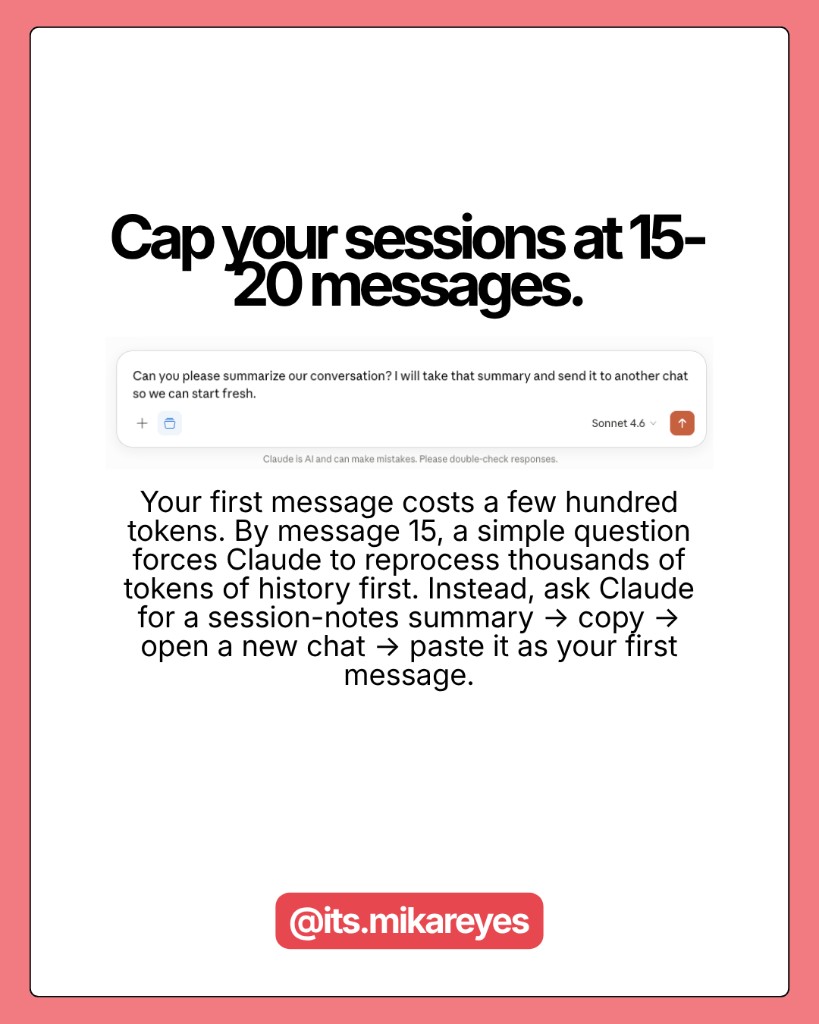
8. Cap sessions at 15-20 messages
Your first message in a fresh chat costs a few hundred tokens. By message 15, a simple question forces Claude to reprocess thousands of tokens of history first. By message 30, you've burned roughly 232,000 tokens.
When a Cowork session gets long: ask Claude to "Write a session-notes.md with the key decisions and next steps." Copy that summary. Open a new session. Paste it as your first message. You carry the context forward without paying to re-read the full history.
9. In Cowork, restart from an earlier message instead of starting over
When Cowork goes sideways, don't close the tab and start from scratch. Use "Restart the conversation from here" on an earlier message. The higher up you restart, the more tokens you save. Catching the wrong turn at message 8 instead of message 20 cuts 12 messages worth of context reloads.

Here are some related guides to check out: